Revise
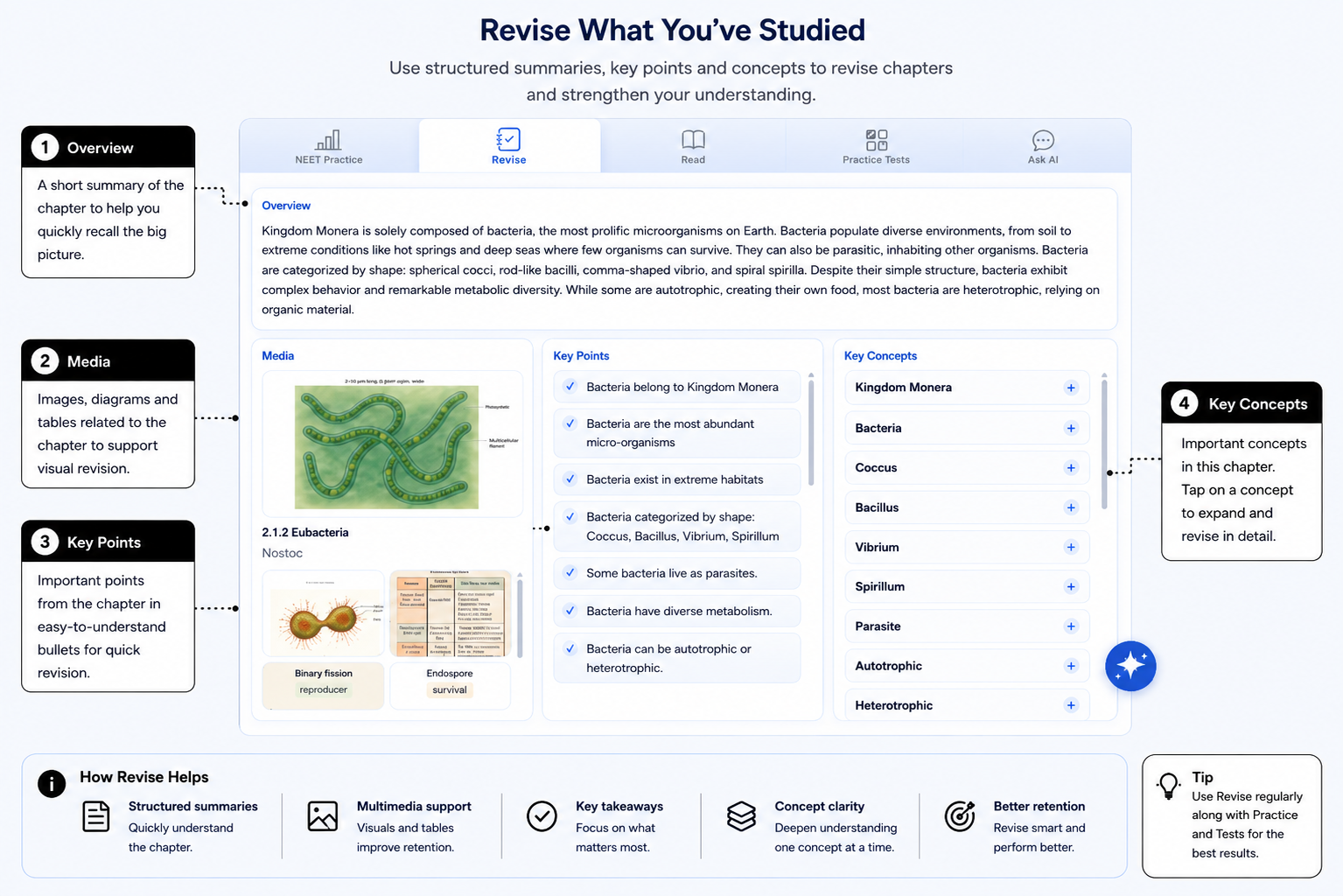
Use Revise when you want to quickly revisit a section. It brings together the overview, Key Points, Key Concepts, Try It, and AIandMe videos or other media where available.
-
Quickly revise the section
Revise helps you return to the important ideas without working through all the detailed learning content again. Start with the overview when you want a quick reminder of what the section covers.
Revise follows the section or part you selected in the left side of the Chapter Workspace. If you change the selection, check the heading so you know which content you are reviewing.
-
Focus on Key Points
Key Points helps you revisit important information from the section. It can be useful when you are preparing for a school test or exam and want to focus your revision.
Key Points is a revision aid. Continue to use the full learning content, your syllabus and your textbook for complete preparation.
-
Understand Key Concepts
Key Concepts helps you focus on important ideas. Select a concept when you need a clearer explanation, or keep it closed when the idea is already familiar.
Work through only the concepts you need. You can return to another concept whenever you want to review it again.
-
Use videos and media
Where available, AIandMe videos, images and other learning media give you another way to understand a difficult concept. They can make a complex idea easier to follow.
Not every section has media. If no video or image appears, you can still use the overview, Key Points, Key Concepts and Try It.
-
Try it yourself
Try It gives you short prompts or questions for a simple self-check. Think through your answer before continuing, or write it down in your own words.
Try It is not automatically evaluated or scored. Use it to notice what you remember and what you may want to review again.
Revise itself does not mark a Study Plan day Done or create a competency result. Use the Daily Quiz when you want AIandMe to evaluate your understanding and update that learning day.
Use Read when you want more detailed section content. Return to the AI Study Room overview.